
Introduction
The navigation revolution continues with Uncode 2.11! After transforming how you create Megamenus and Mobile navigation in version 2.10, we’re now bringing that same creative freedom to Overlay and Off-Canvas menus. Design stunning overlay navigation using Content Blocks and the Page Builder, just as you do with Megamenus. This update also introduces smooth Page Transitions, two new professionally-crafted demos, and an expanded Wireframes library—all working together to give you unprecedented control over your site’s navigation and user experience.
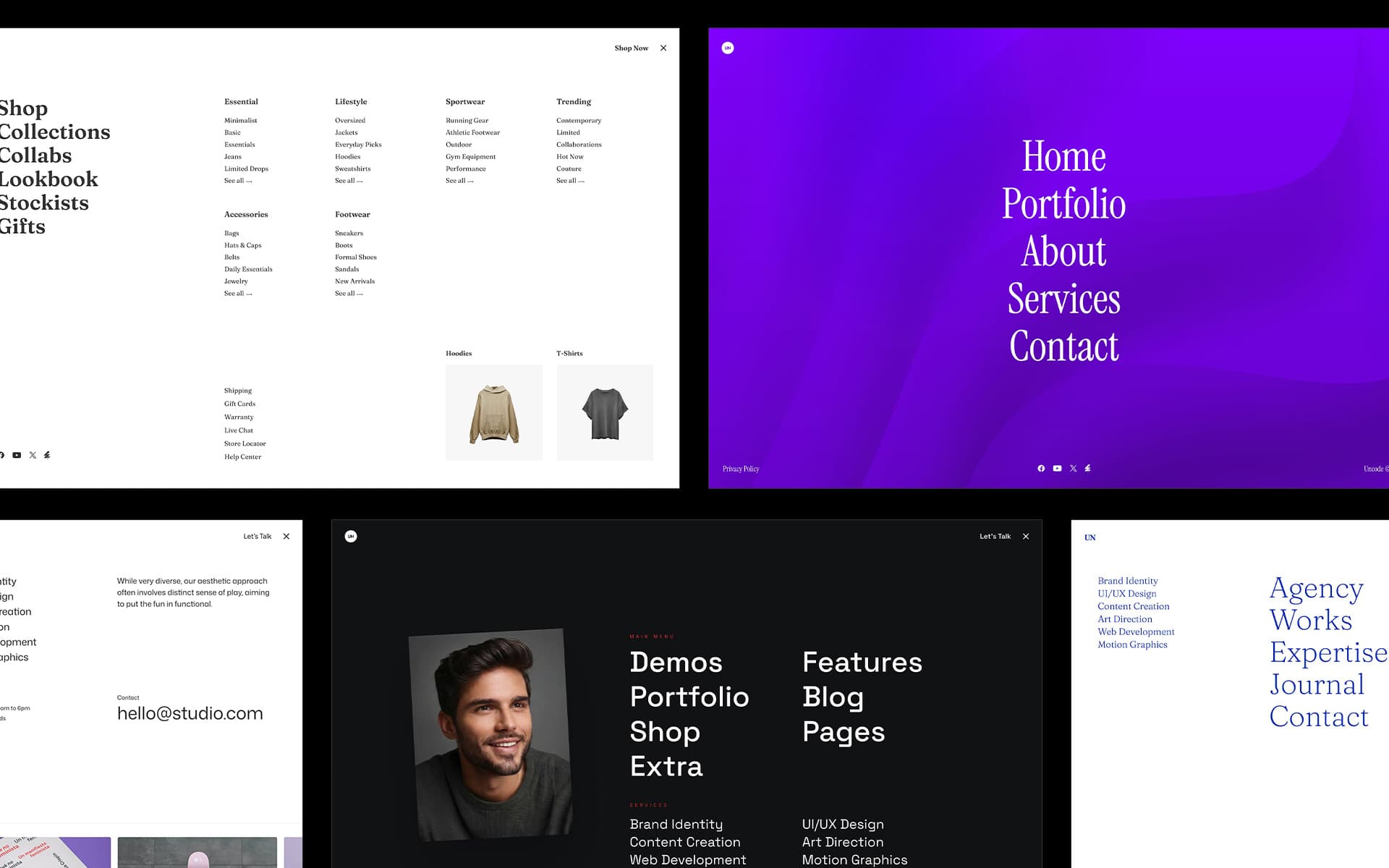
Overlay Menu with Content Blocks
Following the success of Megamenus and Mobile Menus with Content Blocks, we’re now extending this creative freedom to Overlay and Off-Canvas navigation. Design stunning overlay menus using the familiar Content Block interface and the Page Builder—no limitations, just pure creative control.
Create overlay menus that go far beyond simple link lists. Using Content Blocks, you can incorporate any Page Builder element into your overlay navigation: the Menu Block module for sophisticated menu structures, images, videos, buttons, text blocks, social icons, CTAs, and more. Design full-height overlays with middle-aligned content, add fixed footer elements, or create any layout you envision.
The same powerful features that revolutionized Megamenus and Mobile navigation are now available for your overlay menus. Use the Menu Block module to display navigation with icons, images, descriptions, and responsive layouts. Leverage Menu Composite to maintain consistency across all your navigation points—desktop, mobile, and overlay menus all sharing the same menu fragments for centralized management. Whether you’re designing a traditional lateral overlay, a modern off-canvas panel, or a full-screen navigation experience, Content Blocks give you complete control. Apply 100% viewport height for immersive experiences, use middle or top alignment for different visual effects, add fixed positioning elements for balanced layouts, and inherit Theme Options styles for consistency or override them for unique designs.
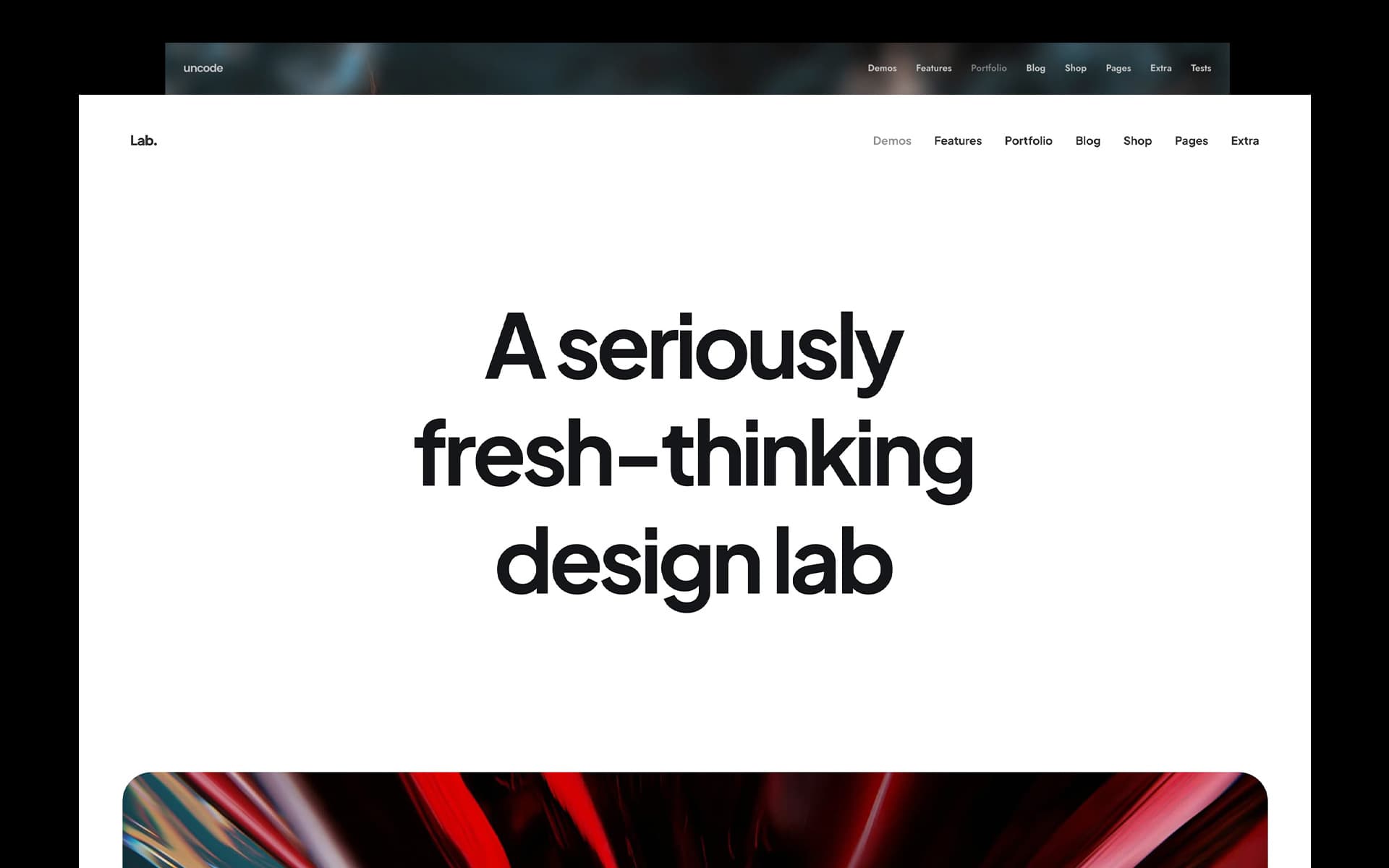
Page Transitions
Uncode 2.11 introduces smooth Page Transitions powered by the browser’s native View Transitions API. Create stunning animated transitions between pages that elevate your site’s user experience—all without JavaScript overhead or performance compromises.
Transform the browsing experience with elegant visual continuity as users navigate your site. Choose from six carefully crafted transition effects: Fade, Curtain, Parallax, Zoom, 3D, and Blur. Each creates its own unique “wow” moment, turning ordinary page changes into sophisticated visual experiences.
Page Transitions leverage native browser capabilities, currently supported in Chrome 111+ and Safari 18+. For browsers without support, pages load normally, ensuring full functionality for all visitors.
New Concepts
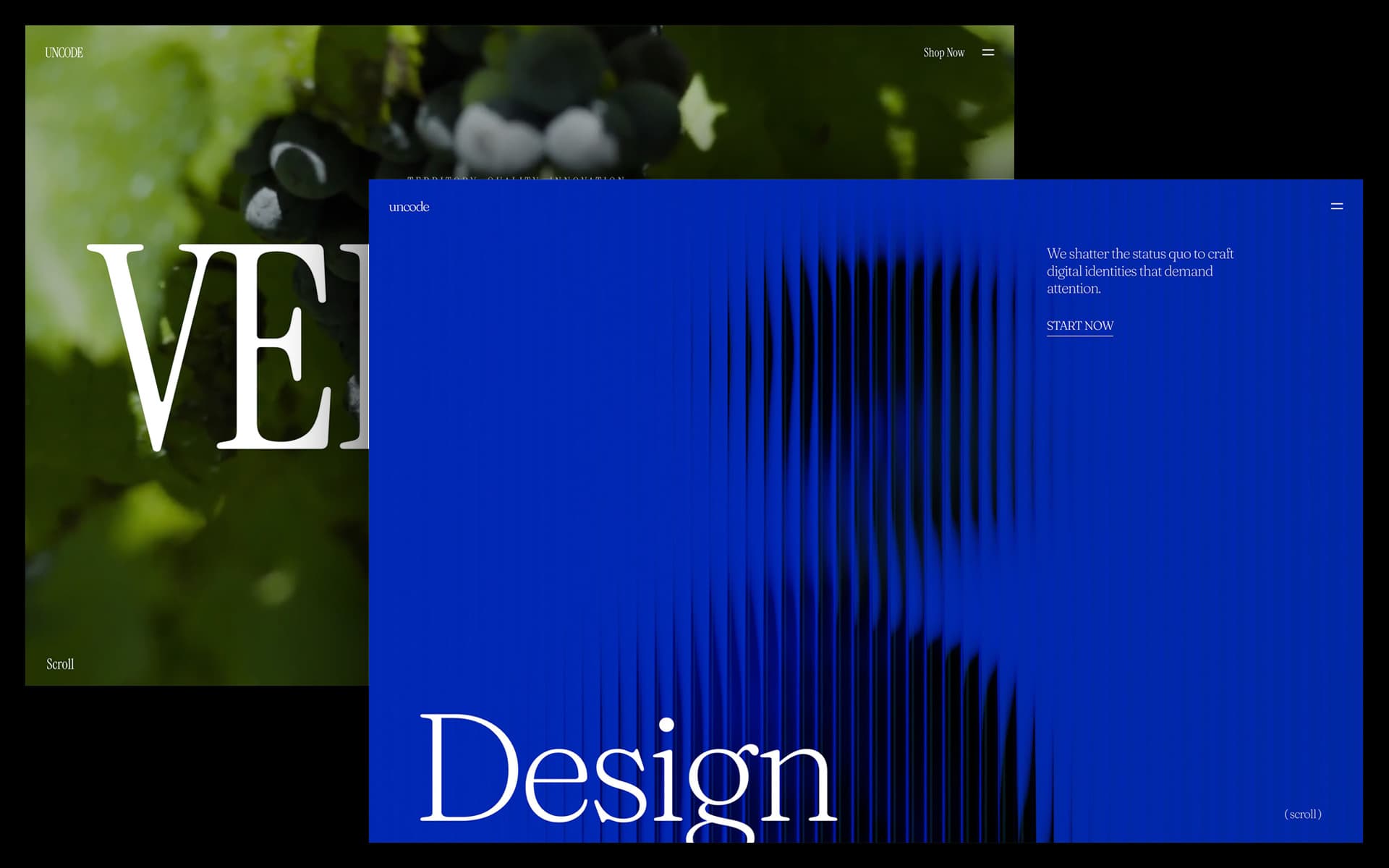
Uncode 2.11 introduces two stunning new demo sites showcasing the latest design trends and the new Overlay Menu system.
Creative Foundry – Contemporary Agency Layout: A bold, creative agency demo featuring Stacked Cards, Marquee elements, sophisticated Parallax effects, and a custom Overlay Menu with video integration. This layout demonstrates how to create distinctive, memorable web experiences that follow current design standards while pushing creative boundaries.
Shop Wines – Elegant E-commerce: A refined e-commerce layout designed for wineries and premium retailers. Features a custom Overlay Menu with integrated product Carousel, allowing visitors to explore offerings without leaving the navigation. Perfect for luxury and lifestyle brands seeking sophisticated shopping experiences.
Updated Demo Collection: Numerous existing homepage layouts have been updated to incorporate Overlay Menu capabilities and latest features, giving you even more inspiration for your projects.
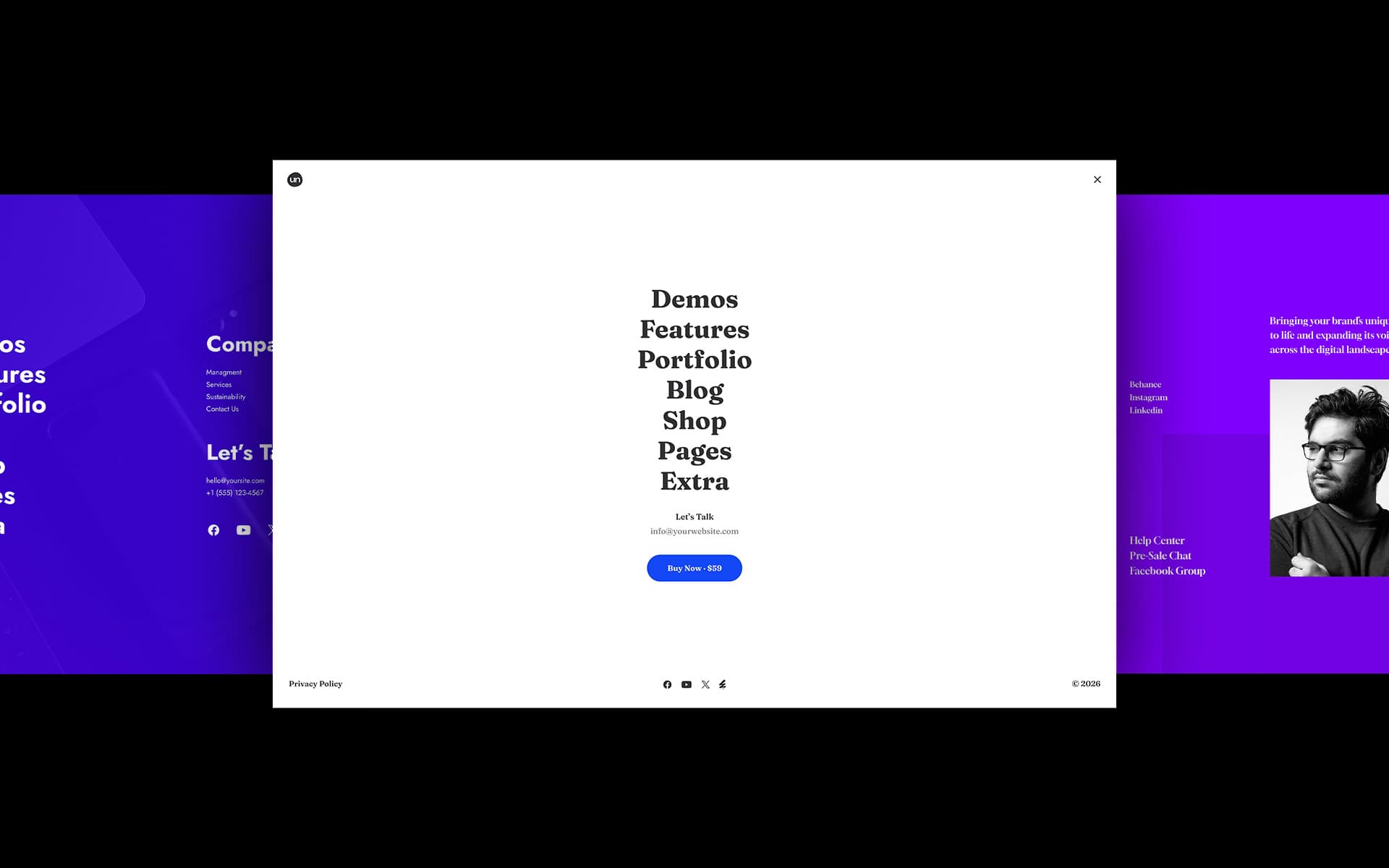
New Wireframes
Quick-start your projects with 20 pre-designed Overlay and Off-Canvas Menu Wireframes. Professional templates ready for rapid prototyping and customization, helping you implement stunning overlay navigation in minutes.
How to update Uncode
There are three methods to update your theme: the easiest way is the Automatic Update which requires you to register your purchase, the Envato Market Plugin update method and the traditional method that involves more steps via WordPress or via FTP. Please find more info in the dedicated documentation:
Change Log
2.11 (2026/01/20)

ADD:

- Overlay Menu Builder
- Off-Canvas and Lateral Menu Builder
- Page Transition Effects
- Double Lines Burger Style
- Creative Foundry and Shop Wines Demos

FIX:

- Scroll to Tab from Links Inside the Page
- Marquee Issues on Edge Cases
- Full-Height Rows and Body Frame Border Issue
- AJAX Filters Scrolling When Smooth Scroll Is Enabled
- Remove Picture Polyfill
- Save Custom Fields Data on Single Variations
- Fix Product Permalink in Mini Cart
- Prevent Fatal Error on Custom Post Type Archives and AJAX Filters

IMPROVEMENTS:

- Line Breaks in Tab Excerpts

UPDATES:

- Uncode Core 2.11
- LayerSlider 8.1.2